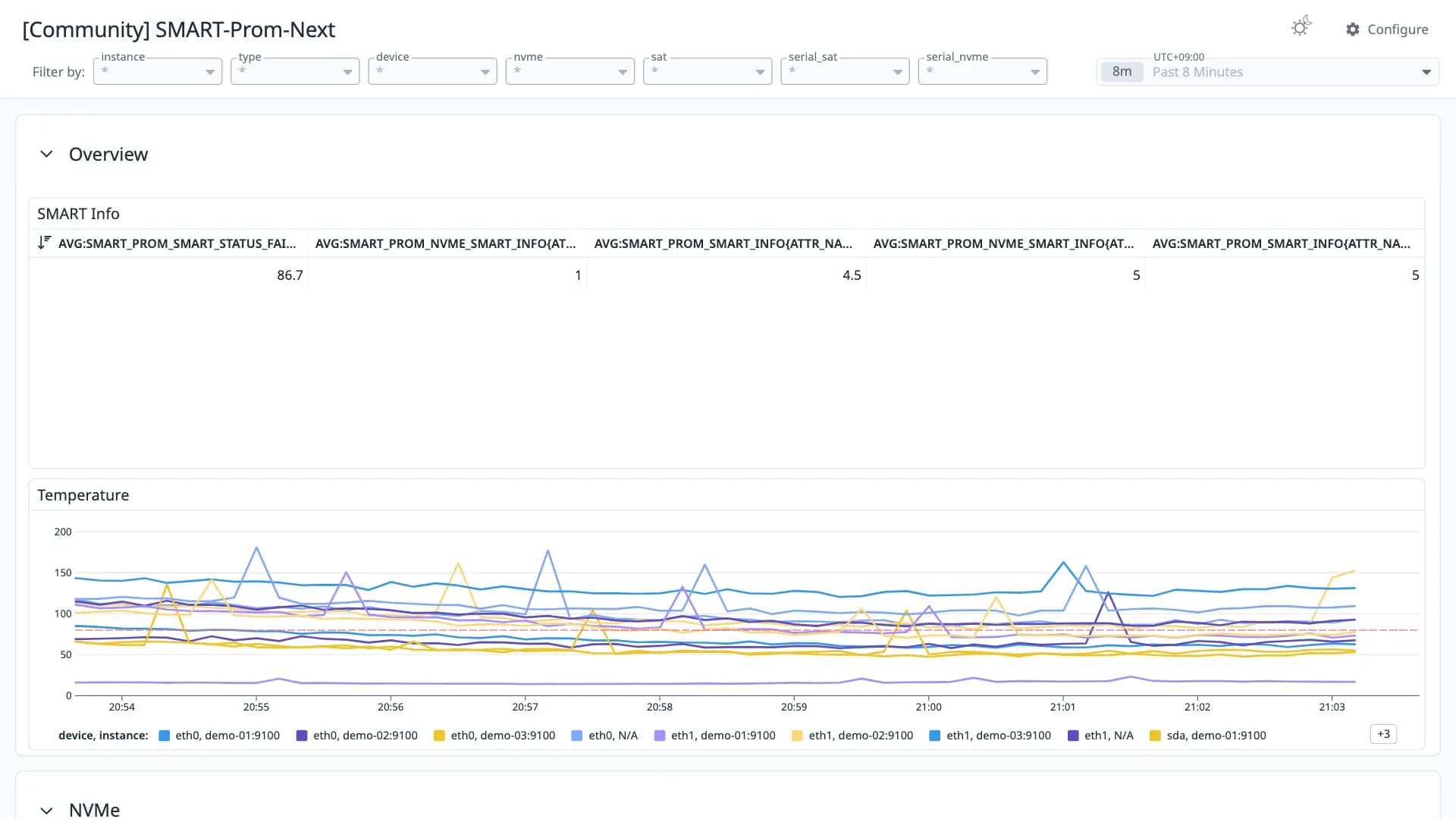
SMART-Prom-Next
Good 910 downloads1 views0 commentsRevision 1Created Converted from Grafana dashboard #20851 by ccommanderred
How to import
In Datadog: Dashboards → New Dashboard → ⚙ Configure → Import dashboard JSON → paste this JSON.
Reactions
Monitoring dashboard for https://github.com/PhilipMay/smart-prom-next
Conversion quality
Good 91Share of panels whose queries were translated without loss. Partial and unsupported panels keep the original PromQL in a note widget.
- Native0
- OpenMetrics10
- Partial0
- Unsupported1
Metrics without a native Datadog mapping
These metric names were kept in OpenMetrics naming. Adjust them if you collect with a native Datadog integration.
smart_prom_nvme_smart_info ×8smart_prom_smart_info ×8smart_prom_temperature ×5smart_prom_smart_status_failed ×2smart_prom_smartctl_exit_status ×2Unsupported panels
- Exit Status
state-timeline
Revisions
- Revision 1Converted from grafana.com revision 2Download JSON
Rate this dashboard
Sign in to rate.0 comments
No comments yet.